See your real take-home pay
on every job listing
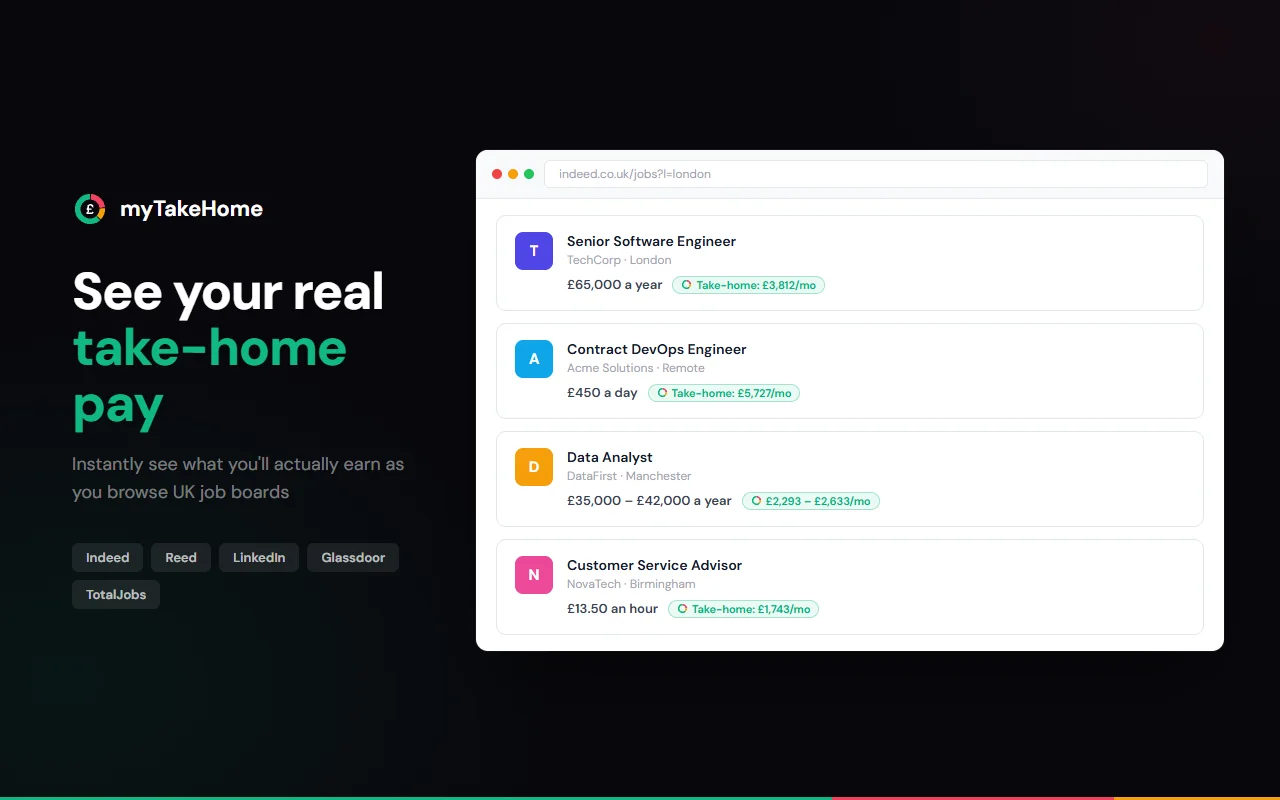
Stop guessing what a salary actually means. myTakeHome instantly shows your take-home pay right on the page as you browse Indeed, Reed, LinkedIn, and more.
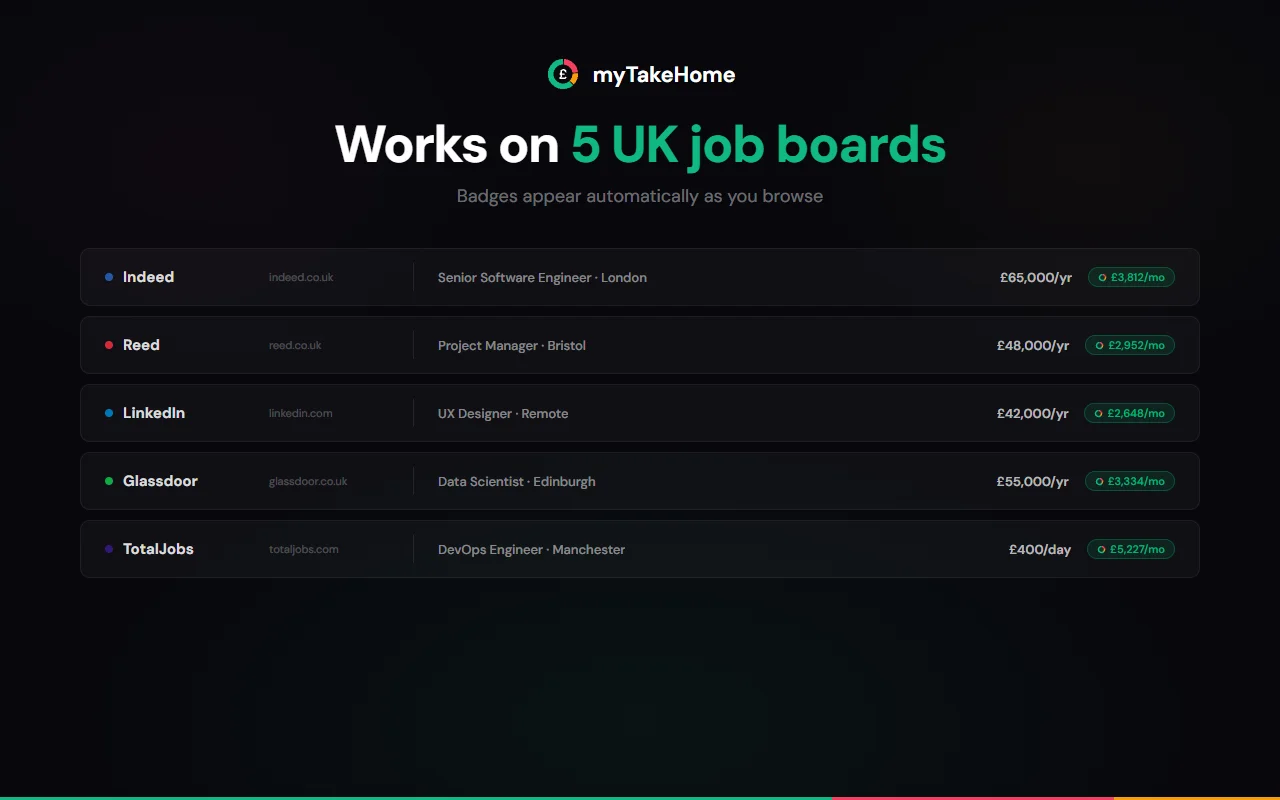
Works on these job boards





See it in action
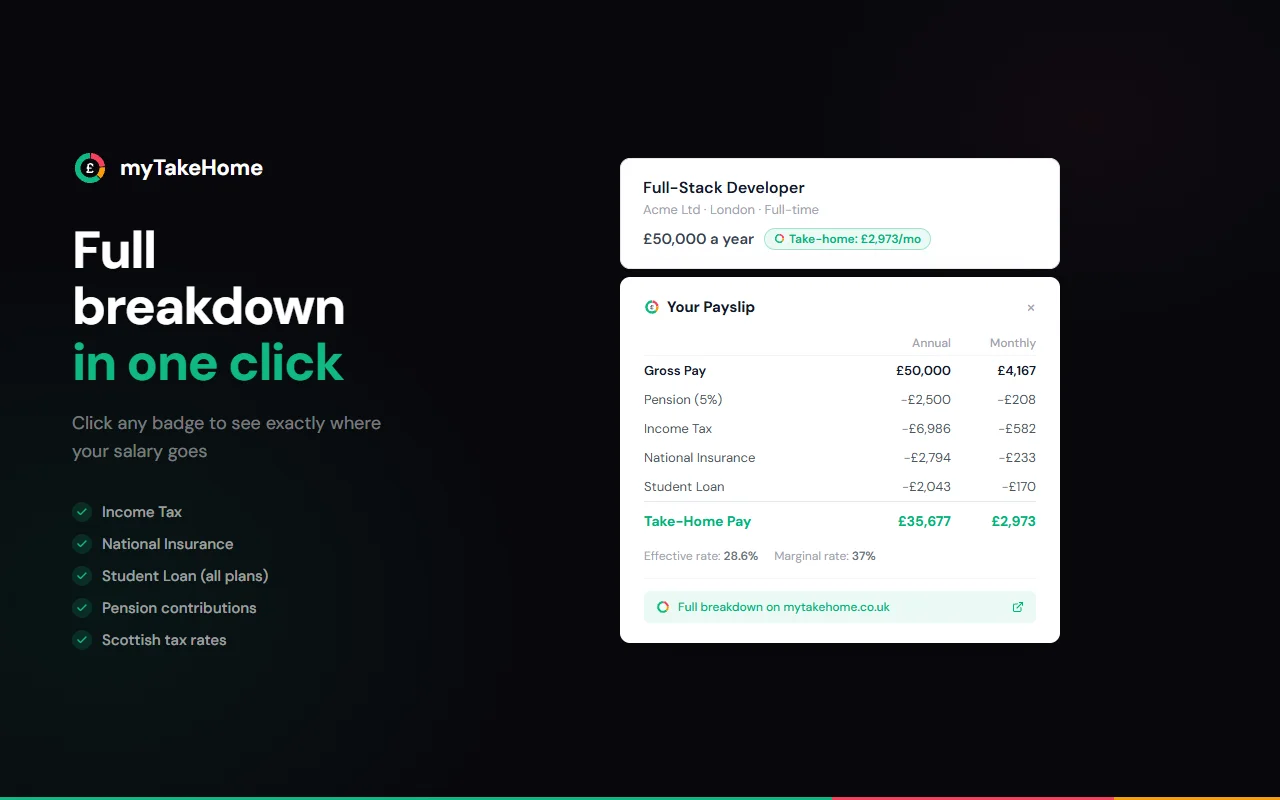
Take-home pay badges and full payslip breakdowns appear automatically — on every major UK job board.
Why use myTakeHome?
Instant Results
Take-home pay appears directly on job listings as you browse. No clicking, no popups.
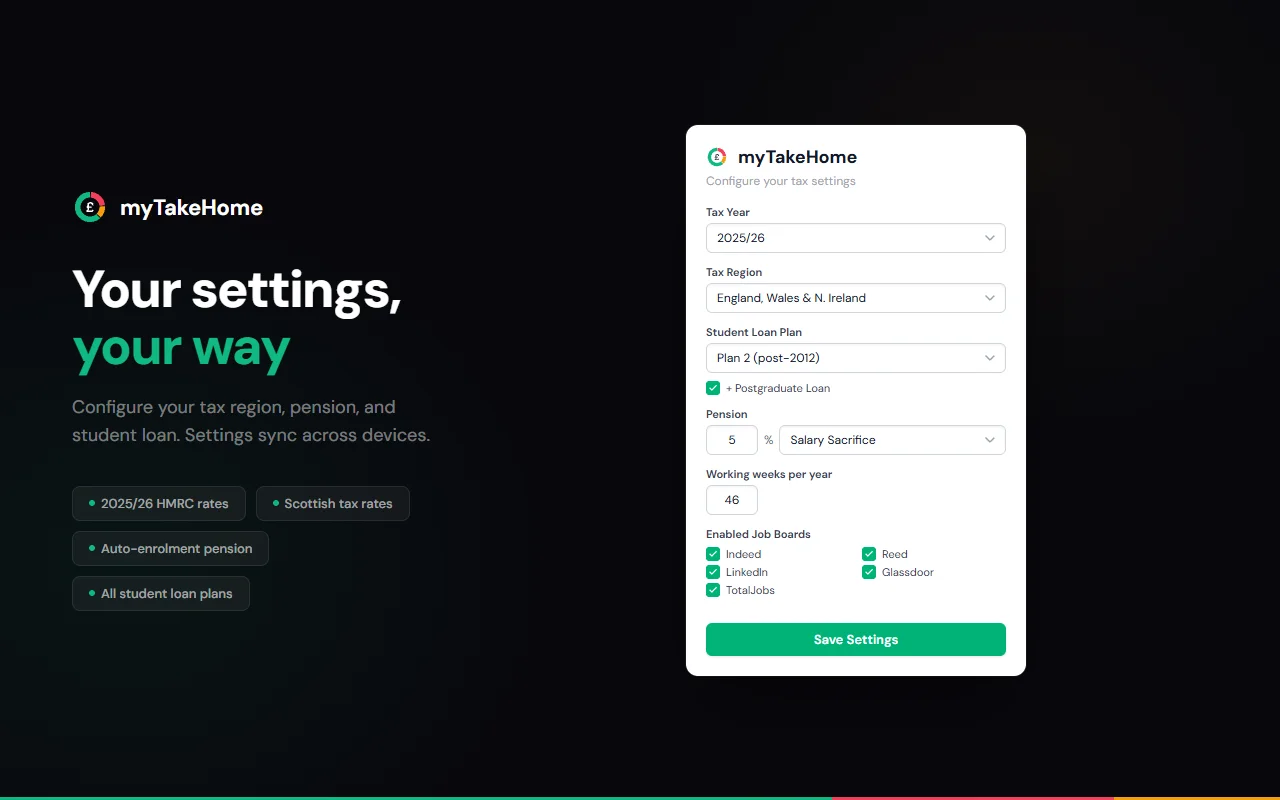
Your Settings, Your Way
Configure your tax region, student loan plan, pension percentage, and the extension remembers.
100% Private
All calculations run locally in your browser. No data ever leaves your device. Zero tracking.
Completely Free
No premium tier, no upsell. Free because salary transparency matters.
How it works
Install the Extension
Click "Add to Chrome" and accept permissions. Takes about 5 seconds. Works on Edge, Brave, and Opera too.
Set Your Details
Open the extension popup and configure your tax region, student loan plan, and pension contribution.
Browse Job Listings
Visit any supported job board and see take-home pay badges appear automatically on every listing with a salary.
Your salary data stays private
The extension makes zero network requests. No analytics, no tracking pixels, no data collection of any kind. All tax calculations run locally using HMRC published rates bundled into the extension code.
Read our privacy policyReady to see what jobs really pay?
Start browsing jobs with real take-home pay figures.
Add to Chrome · FreeAlso works on Edge, Brave, and Opera